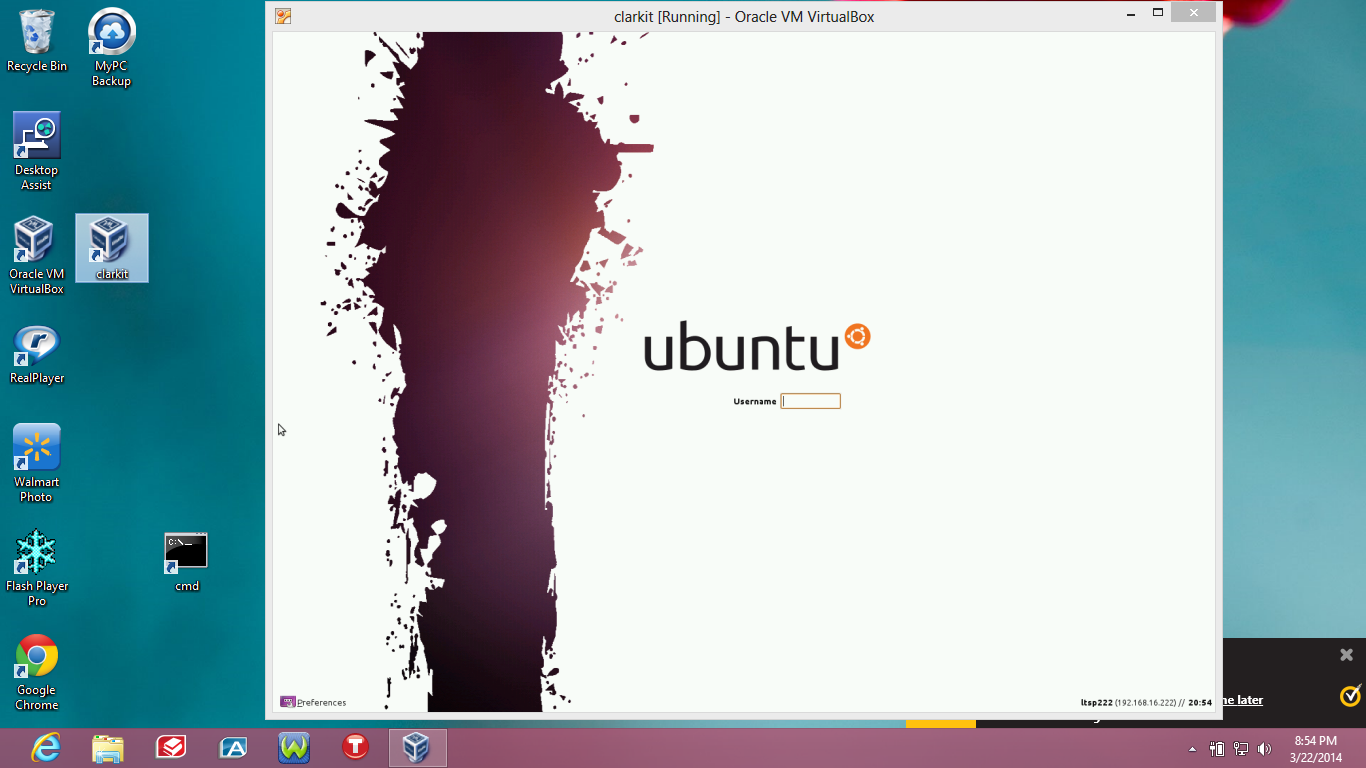
To Create a DeskTop Icon for quick start right click on the blue “Clarkit” label of the Virtual Machine and select “Create Shortcut on Desktop” as shown.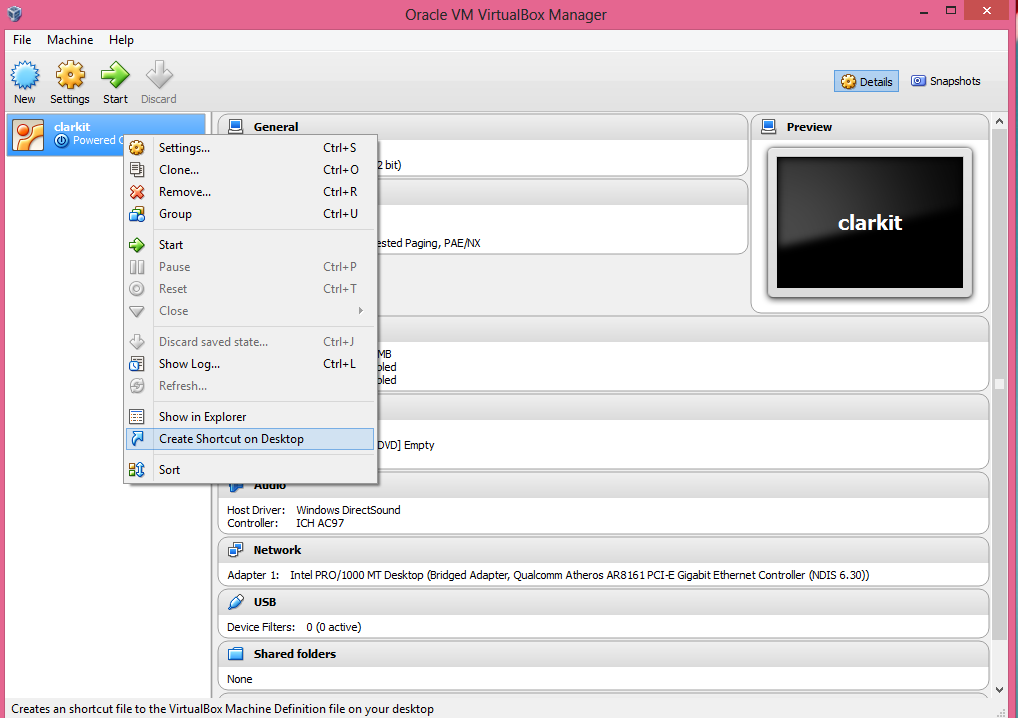
With the Desktop Icon you simply click it and the Ubuntu Screen Greeter will be ready for you to log into the CLARK‑IT™ Software System